


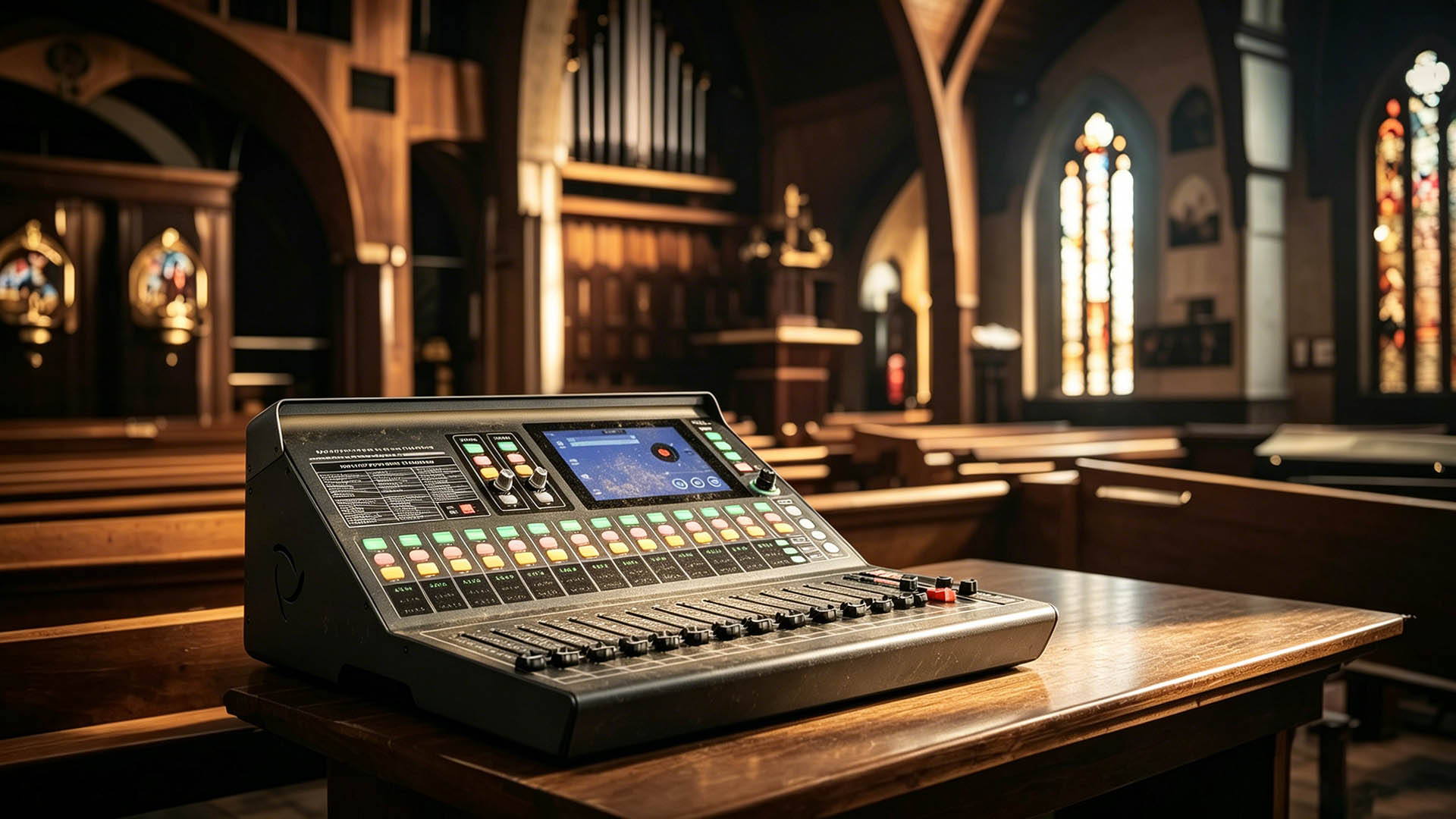
Church audio is one of the most demanding environments for a mixer — not because the shows are complex, but because the operator changes constantly.
Youth volunteers, rotating sound teams, visiting technicians. The mixer has to be forgiving enough for a nervous 19-year-old running Sunday service for the first time, and capable enough for a seasoned engineer doing a full worship band mix on Saturday night.
Here's what actually matters, in order:
This is the question most people forget to ask. A mixer that requires 30 minutes of training every time someone new sits down is a liability, not an asset.
Look for:
A mixer with a good screen and scene memory means your head volunteer can hit "Sunday Setup" and be ready in 60 seconds, even if they haven't touched the board in three weeks.
A common mistake is buying for today instead of for two years from now. Count your current sources, then add 30%.
Typical small church:
That's often 16–24 channels before you add anything. A 32-channel mixer gives you room to grow without another purchasing decision in 18 months.
Churches have a unique challenge: the sound booth is often at the back, but the worship leader is at the front asking for more monitor. The pastor wants less reverb in the pulpit wedge. The choir needs a different mix.
A mixer with built-in Wi-Fi and browser-based remote control lets any volunteer walk the room with a phone and adjust in real time — without an app to install or maintain. This is meaningfully different from app-dependent systems, where one OS update can break your wireless control on a Sunday morning.
Small churches often have challenging acoustics. Look for:
6 or more AUX outputs — so stage monitors, hearing loop, lobby feed, and recording all get independent mixes
For a small church, the realistic budget range for a capable digital mixer is $800–$2,500 depending on channel count and features.
At the lower end, you're often making compromises on screen size, output processing, or wireless capability.
At the mid range ($1,200–$2,000), you can get a 32-channel mixer with a full touchscreen, browser-based Wi-Fi control, complete output processing, and USB recording — which covers 95% of what a small church will ever need.
I'll disclose upfront — I'm a manufacturer, and one of the products I'd point to is our own MX3210.
It has a 7-inch HD touchscreen built in, browser-based Wi-Fi control (no app required — any phone connects instantly), 32 input channels, 6 AUX outputs with full crossover/EQ/delay/anti-feedback processing, and 16 scene presets with one-button recall.
For a church context specifically, the scene preset system means your team can store "Sunday Morning," "Evening Service," and "Rehearsal" configurations separately — and any volunteer can recall the right one without touching a single channel setting.
It also has a dual-password lock system — an admin password and a separate user password — so you can let volunteers adjust levels without worrying about someone accidentally reconfiguring the routing.
Full specs here: Not every digital mixer dares to offer an MOQ as low as 10, let alone three tiers of OEM solutions.
For a small church, prioritize ease of handoff over raw feature count. A mixer your volunteers can actually use confidently every week is worth more than a more capable mixer that intimidates everyone except the one person who knows it.
Scene presets, a readable screen, and wireless control that doesn't depend on an app being updated — those three things will reduce more Sunday morning stress than any other spec on the sheet.
Happy to answer follow-up questions in the comments.