


Choose a digital mixer for live sound by mapping the actual sources, independently controlled mixes, operator tasks and support requirements before comparing models. Record each mandatory function against current model documentation and confirm the intended setup on the proposed sample.
Describe the recurring event rather than selecting a console from audience size alone. List microphones, instruments, playback sources and any recording destinations. Separate physical connectors from processing channels. Then name the main and monitor destinations that need independent control. A DCA changes assigned levels; it does not create another audio mix.
Write down who operates the console, how frequently the setup changes and what needs to happen during operator handover. A buying decision should consider whether the team can find and restore the agreed setup, as well as the required functions.
Planning example: Label every destination on your signal-flow sketch before comparing model specifications. Keep physical inputs, processing channels and independent audio mixes in separate columns.
| Requirement | Evidence to request | Acceptance question |
|---|---|---|
| Physical sources | Current model I/O list and connection photos | Can all required sources connect in the intended setup? |
| Independent mixes | Routing reference and sample demonstration | Does changing one required mix leave the others as intended? |
| Operator workflow | Current manual and task walkthrough | Can the operator reach and restore the agreed settings? |
| Recording/control | Named devices, versions and connection details | Does the required workflow operate under the agreed conditions? |
| Support and delivery scope | Written responsibilities and complete quotation | Are documents, accessories, support and commercial exclusions clear? |
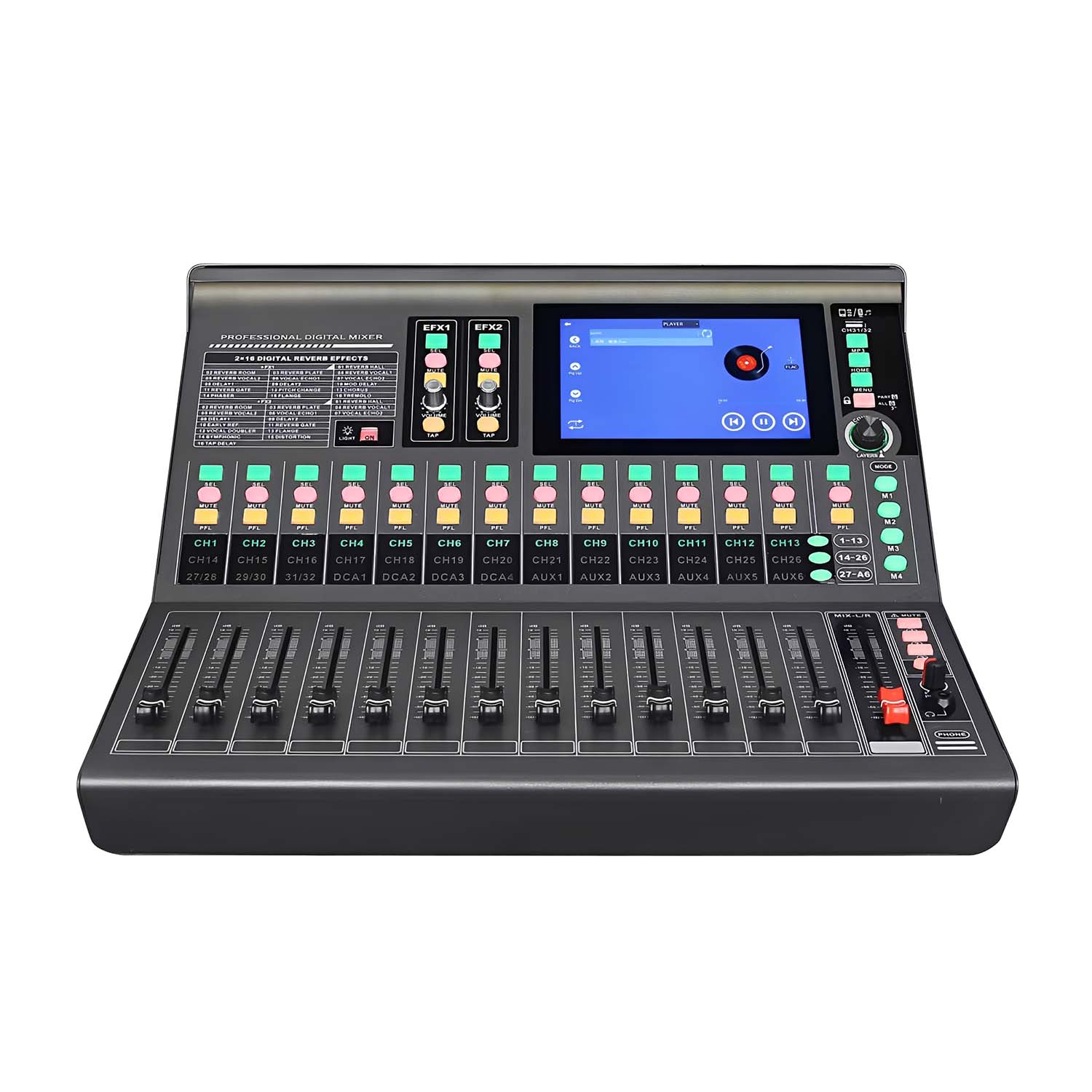
Illustrative product reference: MX control series — MX3210. View the official model page. This photograph identifies a real candidate; it is not evidence that a particular event or acceptance test has been completed. Confirm the current version and capabilities before selecting it.
ELEGAUDIO supports product selection, sample evaluation, engineering verification, quality inspection, OEM/ODM coordination and export delivery. Send the live-sound requirement sheet to discuss a model-specific shortlist. Confirm available project scope and commercial terms in writing.
It provides context but does not establish source count, mix requirements or operator workflow. Use a complete application brief.
No. Check the current physical I/O list and distinguish it from processing capacity.
No. Define the audio routing and independent destinations explicitly. Read the AUX, bus and DCA guide before sample testing.
Only if it serves an identified application requirement. Keep mandatory, optional and not-applicable items separate.
Send country, application, simultaneous source list, independent destinations, operator workflow, required recording/control methods and quantity.
Discuss your requirement with Yara: yara@elegaudio.com or WhatsApp +86 136 3129 1403.
By Anthony Wu, ELEGAUDIO. November 21, 2026.
#DigitalMixer #LiveSound #AudioSourcing #ProAudio #ELEGAUDIO