


For reliable digital mixer Wi-Fi control, verify the exact control interface, put the controller and mixer on the intended local network, test the actual operating positions, and rehearse a usable fallback. A wireless connection established beside the console is not a venue acceptance test. A network socket, an antenna or a browser screenshot alone does not establish supported devices, control distance or what happens when communication is lost.
By Anthony Wu | ELEGAUDIO | 25 November 2026. This is a practical commissioning checklist for distributors, rental teams and AV integrators. It is not a report of completed wireless-range or audio-continuity tests.
The objective is to demonstrate that the intended operator can reach the required mixer functions from the required positions, recognize a disconnected or stale display, and continue working through an approved alternative. Define those tasks before comparing router specifications or choosing a model.
Separate three paths in the brief: the audio path carrying programme signals; the control path carrying operating commands and status; and any internet connection used for unrelated services. They can share infrastructure in some systems, but their functions are different. Do not assume that loss of Wi-Fi either always stops audio or can never affect the show. Confirm the architecture and behaviour of the exact production unit.
| Requirement | Evidence to collect | Avoid assuming |
|---|---|---|
| Control method | Exact model, firmware, supported app or browser, controller OS and documented connection method | Any phone or browser works because the product has Wi-Fi |
| Local network | Connection diagram, relevant port labels, addressing method and successful device discovery | An internet connection proves mixer connectivity |
| Working positions | Required operator positions, access-point location, obstructions and representative venue conditions | A successful bench test proves audience-area coverage |
| Fallback | Demonstrated local controls or an explicitly supported wired controller, with named operator access | A spare tablet fixes a failed access point or power supply |
For context, Allen & Heath's router setup guidance, updated 26 March 2026, describes local-network operation for its consoles and explains why audience conditions and access-point placement matter. These are manufacturer-specific instructions, not evidence that every ELEGAUDIO-listed model has the same network implementation.
Copyable acceptance record: Mixer/model/revision: ___; firmware: ___; controller/OS/app or browser: ___; network device and approved configuration: ___; documented control port: ___; addressing method: ___; required positions: ___; operations demonstrated: ___; loss/reconnect behaviour: ___; tested fallback and responsible operator: ___; limits and retest conditions: ___; date and reviewer: ___.
Use the following official ELEGAUDIO product photographs to identify candidates before requesting current documentation. Each photograph links to its exact product page. The photographs do not prove shared network modes, operating-system support, wireless range, concurrent-user limits or behaviour after a control-link failure. Run the checklist on each proposed unit and version.
DAM-12 product reference
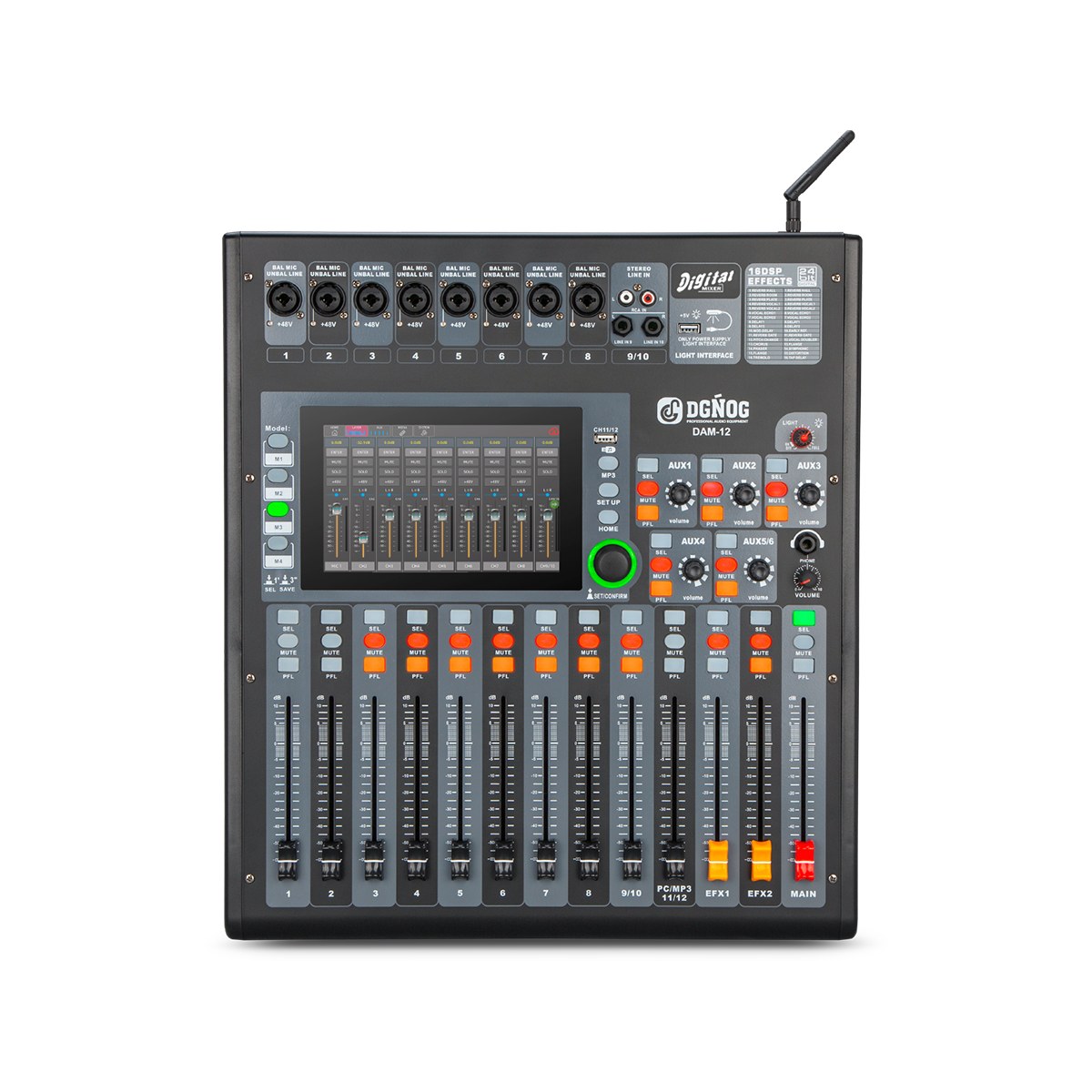
View DAM-12 product information. Ask for the current control-interface documentation and demonstrate the required workflow on the proposed sample.
MDX-16 product reference
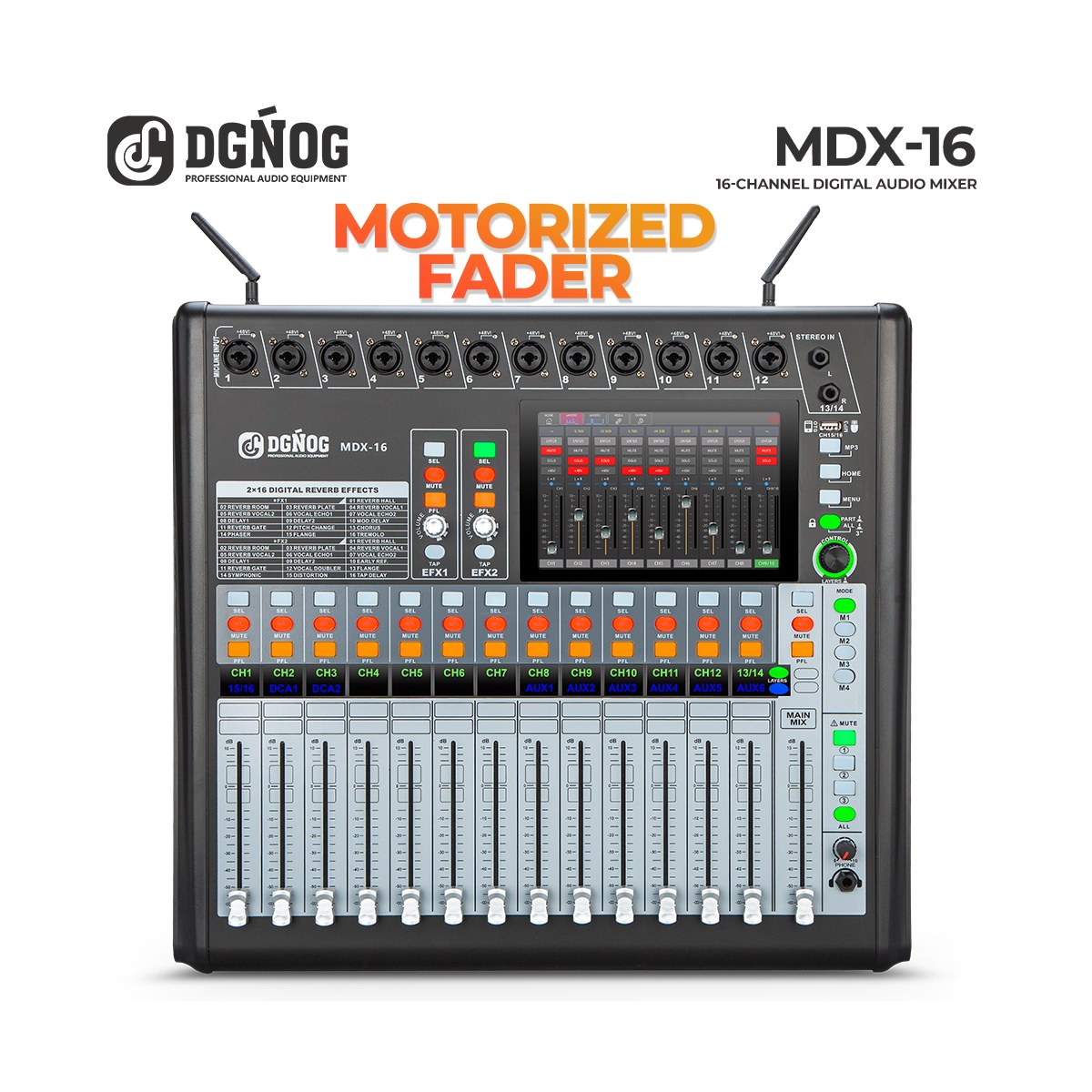
View MDX-16 product information. Ask for the current control-interface documentation and demonstrate the required workflow on the proposed sample.
T24 product reference
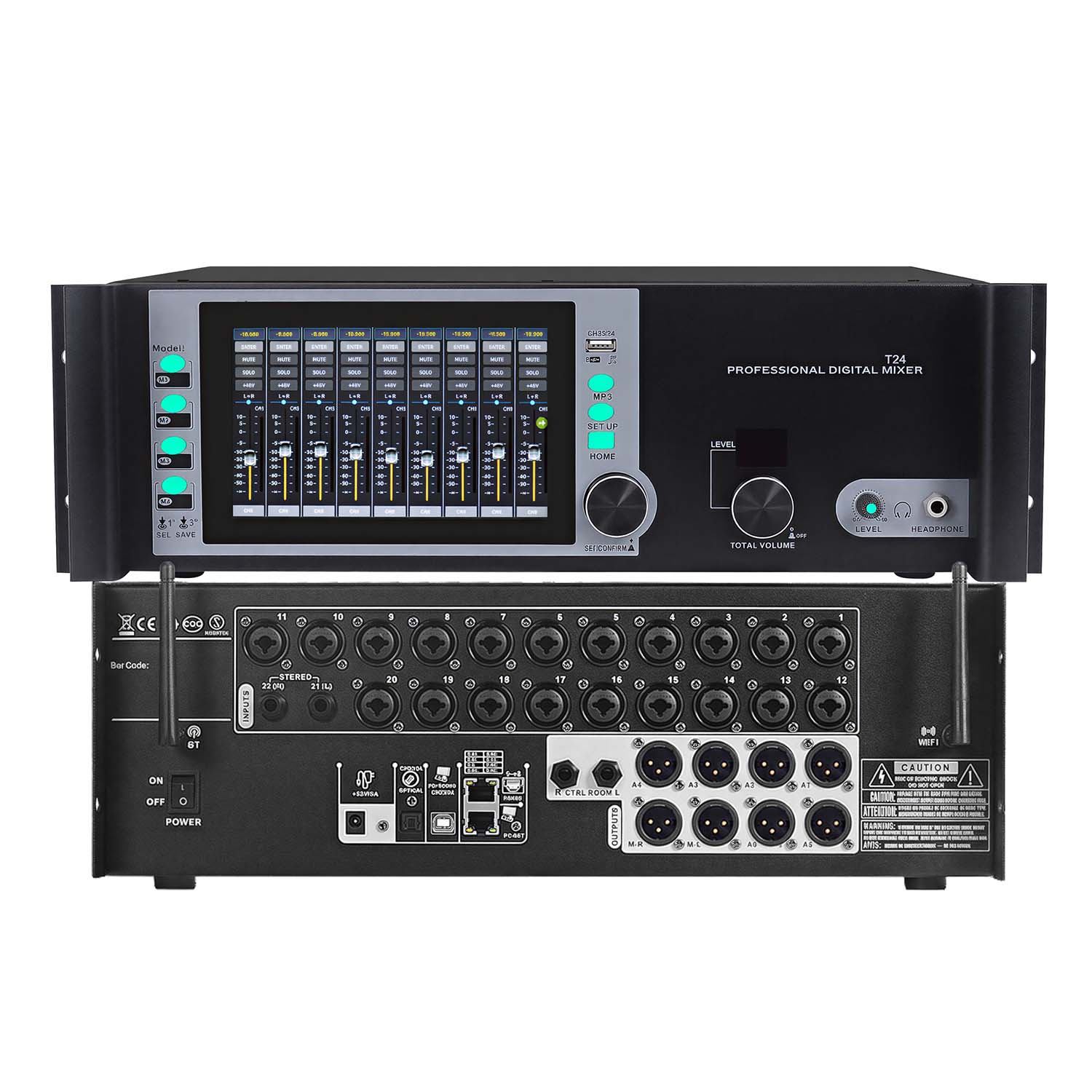
View T24 product information. Ask for the current control-interface documentation and demonstrate the required workflow on the proposed sample.
MX3210 product reference
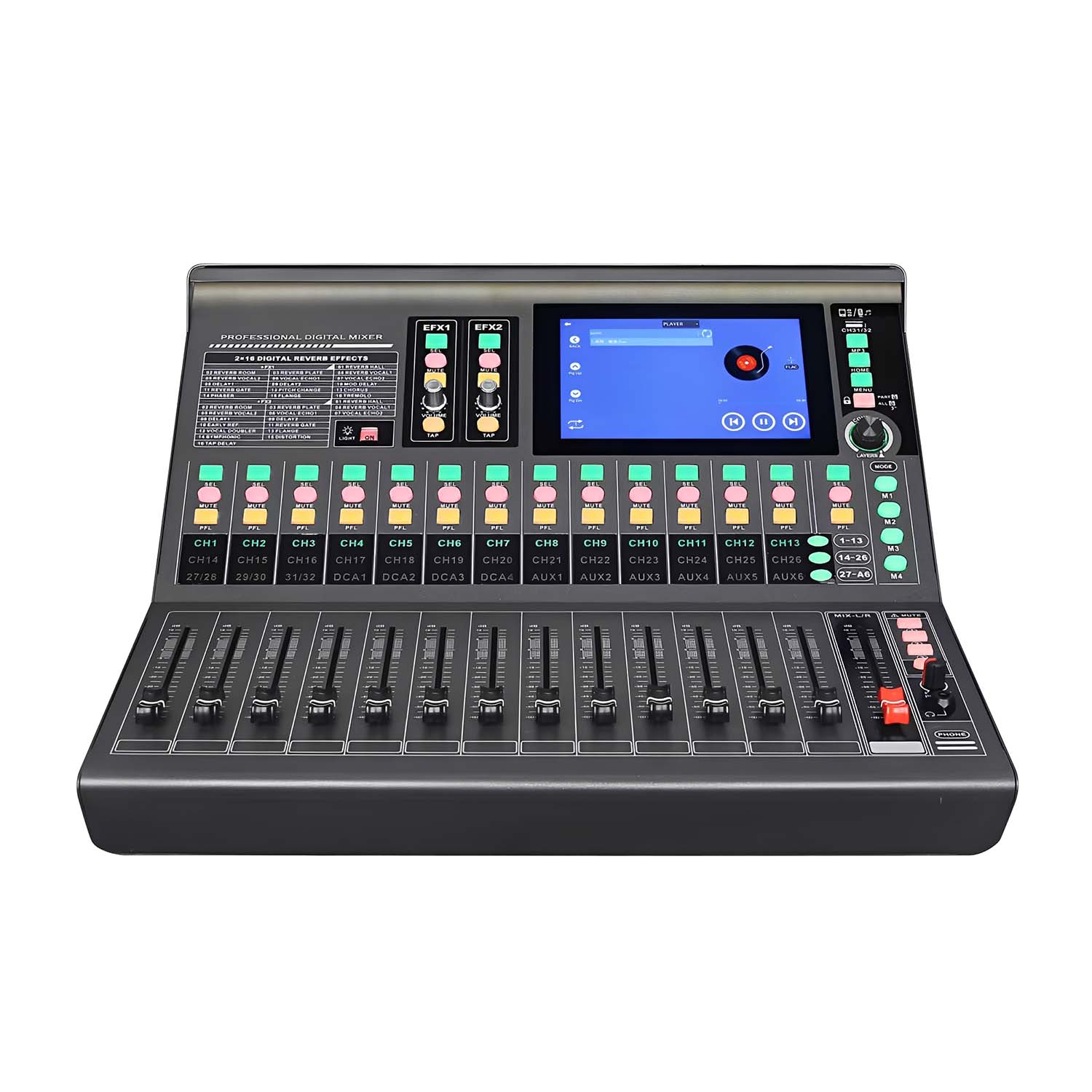
View MX3210 product information. Ask for the current control-interface documentation and demonstrate the required workflow on the proposed sample.
| Observed problem | First checks | What to document |
|---|---|---|
| The controller has internet but cannot find the mixer | Correct local network, supported discovery method, addressing and venue-managed isolation | Actual connection topology and discovery result |
| Control works beside the desk but is unreliable in the room | Access-point placement, obstruction, traffic and representative audience conditions | Locations and operations that did and did not work |
| The screen stops updating | Connection indication, current mixer state and approved recovery procedure | Whether display state was stale and how the operator recognized it |
| A second tablet does not restore operation | Shared access point, power, network path and model-specific session limits | Which failure the spare device actually addresses |
Allen & Heath's SQ Setup reference, updated 6 May 2026, gives specific instructions for SQ network addressing and warns against treating different network connections as interchangeable. Apply that document to SQ equipment only. For another mixer, obtain its own supported topology and recovery instructions.
ELEGAUDIO can coordinate a candidate shortlist, sample evaluation, engineering-verification requirements, quality-control records, OEM/ODM requirements and export delivery. For a broader product-range decision, use the DAM, MDX, T and MX selection guide. For the rest of the show brief, use the live-sound selection checklist.
Does a digital mixer always need internet for remote control?
No. Some systems use a local network without internet, while other services may have different requirements. Confirm the exact mixer, app or browser documentation. Do not confuse an internet-access problem with failure of the local mixer-control path.
Can I use the venue's guest Wi-Fi?
Only after its configuration and operational suitability have been checked. Guest-network separation, client isolation and shared traffic can prevent or degrade the required communication. Agree the arrangement with the venue technician and test the actual job before relying on it.
Is an external router always better than built-in Wi-Fi?
There is no universal result. Compare the supported arrangements on the actual model, placement, room conditions, operator access and recovery workflow. Do not buy an accessory based on a topology that the mixer does not support.
Will audio continue if the tablet disconnects?
That depends on the exact system architecture and failure involved. Obtain the manufacturer's explanation and demonstrate the agreed control-link interruption during a safe rehearsal. Loss of one controller is different from loss of mixer power, a digital-audio network or a stagebox connection.
How far can I walk with the controller?
Use a tested operating area rather than a universal distance. Obstructions, access-point location, people, traffic and equipment affect the result. Record the positions checked and the conditions; do not extend a bench observation into an untested venue-wide claim.
What should I send ELEGAUDIO for a shortlist?
Send your country, venue/application, input list, independent monitor requirements, intended control devices, required operating positions, installation constraints and quantity. Include the fallback you require. Yara can coordinate the next evidence and sample checks: WhatsApp +86 136 3129 1403 or yara@elegaudio.com.
Related reading: USB recording, stereo and multitrack checks | Professional Audio Buying Guides
#DigitalMixer #WiFiControl #LiveSound #AVIntegration #ELEGAUDIO #GEO